
Workflows in the Thread Dock
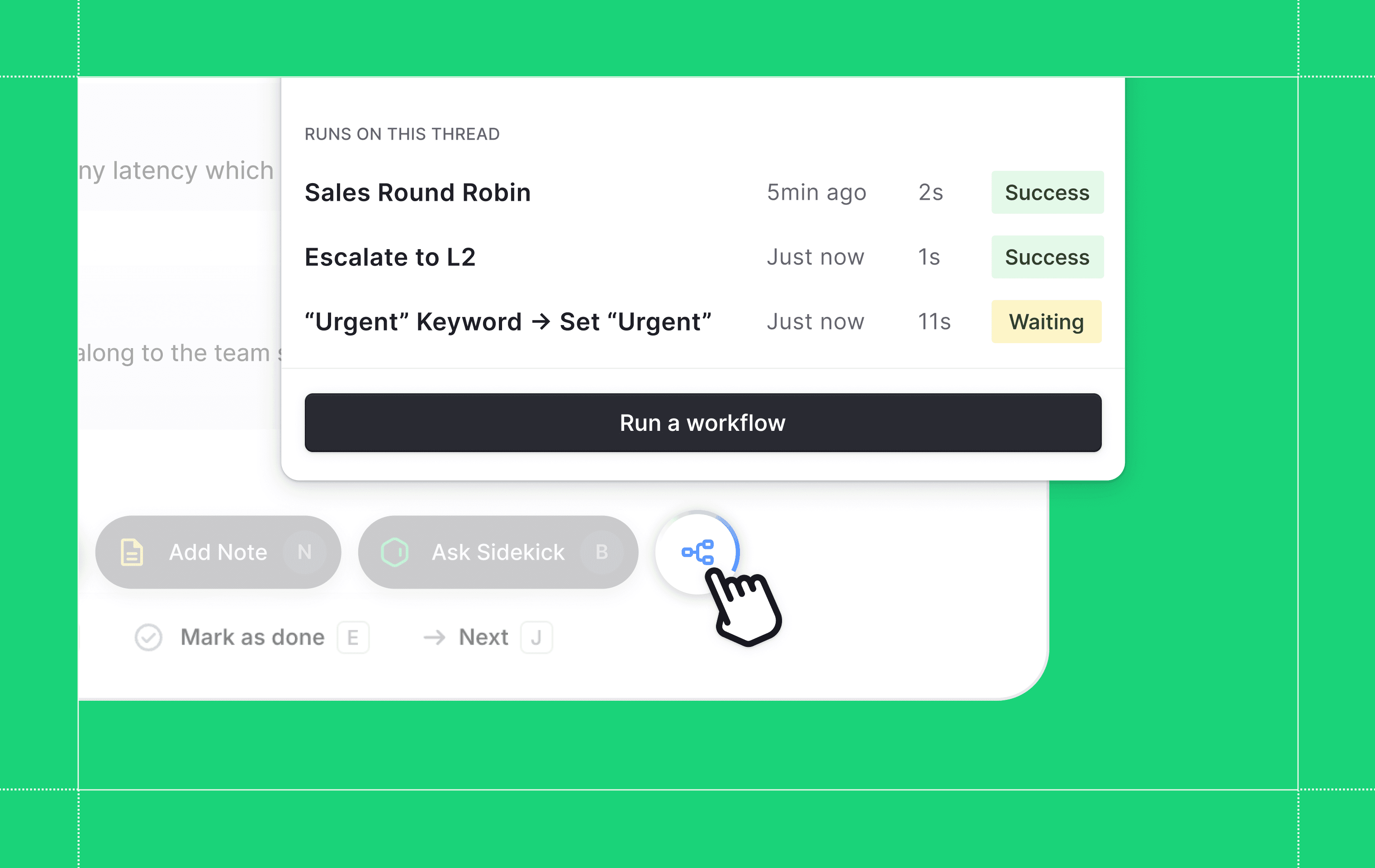
The thread dock now has a dedicated Workflows panel. Click the Workflows button to see every workflow that has run on the thread, with live status badges showing whether each one is running, completed, or failed.
You can also search and trigger any published manual workflow from the same panel. A spinning indicator on the dock button tells you when a workflow is actively running, so you do not need to open the panel to check.
Status tracking is also more accurate. When you trigger a workflow, updates now reflect that specific execution, so the status you see is always tied to the run you started.
Designed, built and written by

Jordan Drake
Engineering