
Team Assignment
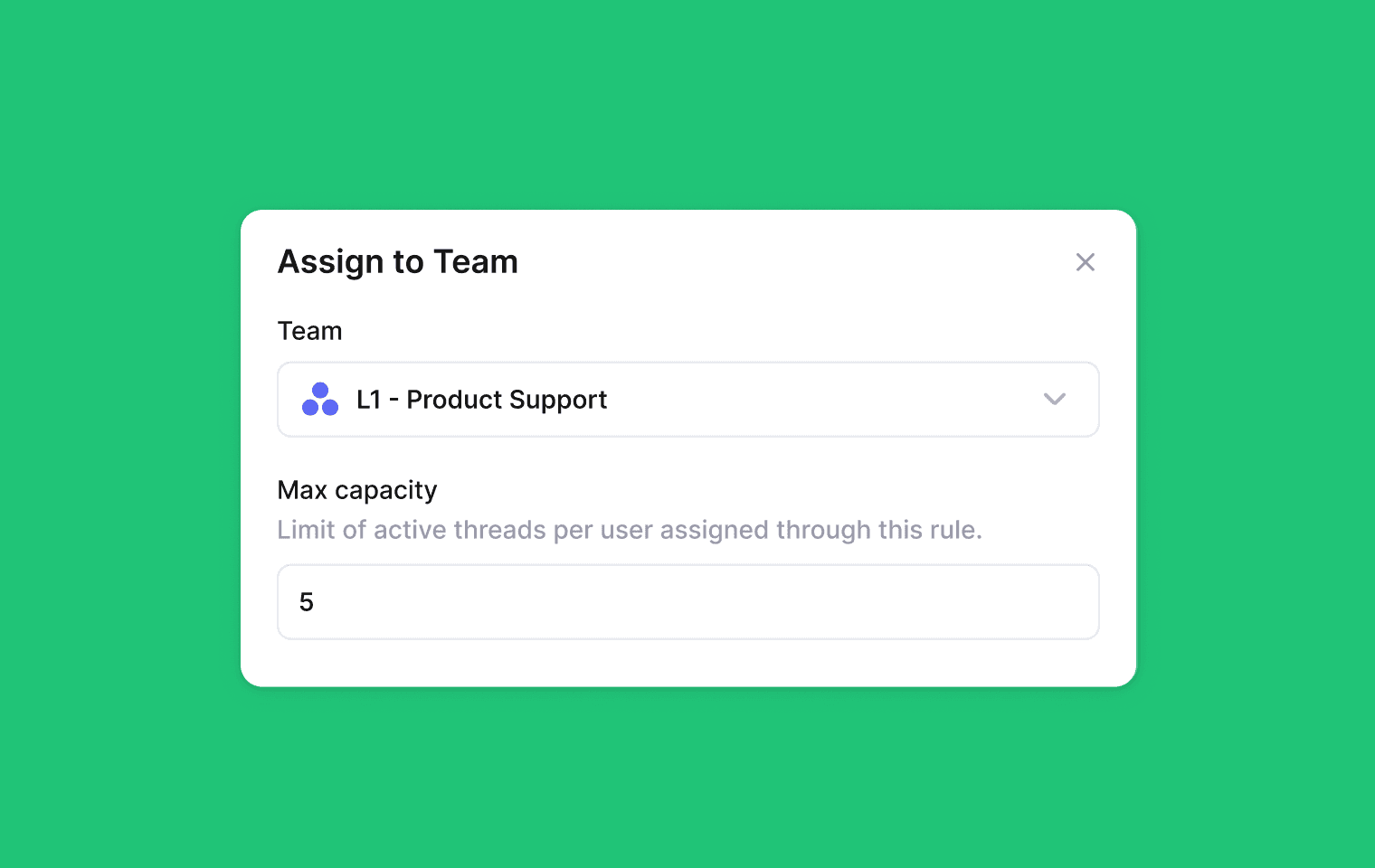
You can now automatically assign Threads to a team using workflow rules. When a Thread is assigned to a team, it will then be auto-assigned to an individual team member using a round-robin system with built-in load balancing. This helps prevent any one person from getting overwhelmed.
You can also set a max capacity for members of the team ensures no one is assigned more than a set number of Threads at a time. This is great for evenly distributing support volume, avoiding cherry-picking, or simplify routing by assigning to a team instead of a specific person.
To use this feature, create a new workflow rule in Settings → Workflow Rules → Add a rule and choose “Assign to team” action.
Learn more in our help center
Improvements
Bug Fixes
Fixed an issue where keyboard shortcuts would cause a wiggle when typing into input fields.
Fixed a white background flash caused by over-scroll.
Designed, built and written by

Preslav Mihaylov
Engineering