
Issue Filtering and Issue Icons
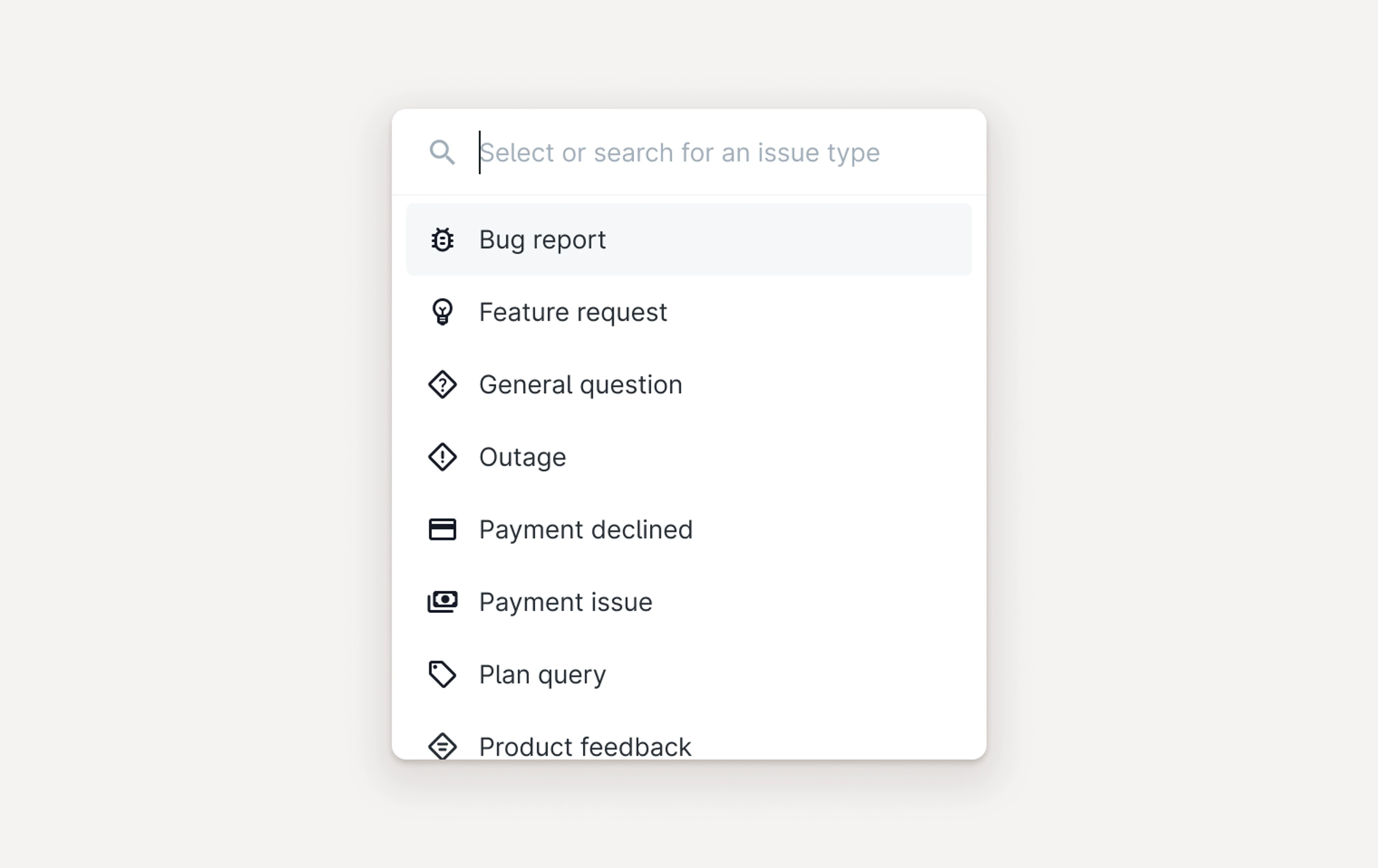
You can now set your own icons for issue types. To do so, head to Settings -> Issue Types, and you can choose from a variety of icons (our personal favorites are the 🍪 and the 🐷). We’ll be adding icons to this list, so let us know if there is something specific you want to see.
Improvements
Bug Fixes
Fixed a bug which sometimes resulted in the back button from the customer page not consistently taking you back to the correct customer queue for customers with more than one workspace.
Fixed a bug which allowed you to link a Linear issue to a Plain issue multiple times.
Fixed a bug which resulted in rare cases of receiving duplicate notifications when using custom timeline entries to make a customer active.
Fixed a bug which meant we were not showing the customer’s external id correctly in the side panel.
Fixed a bug which resulted in customer card content sometimes causing the row component to visually break.
Fixed a bug which meant that the composer didn’t grow vertically, making it hard to write long emails.
Designed, built and written by

Mitchell Petrie
Design