
Custom Roles
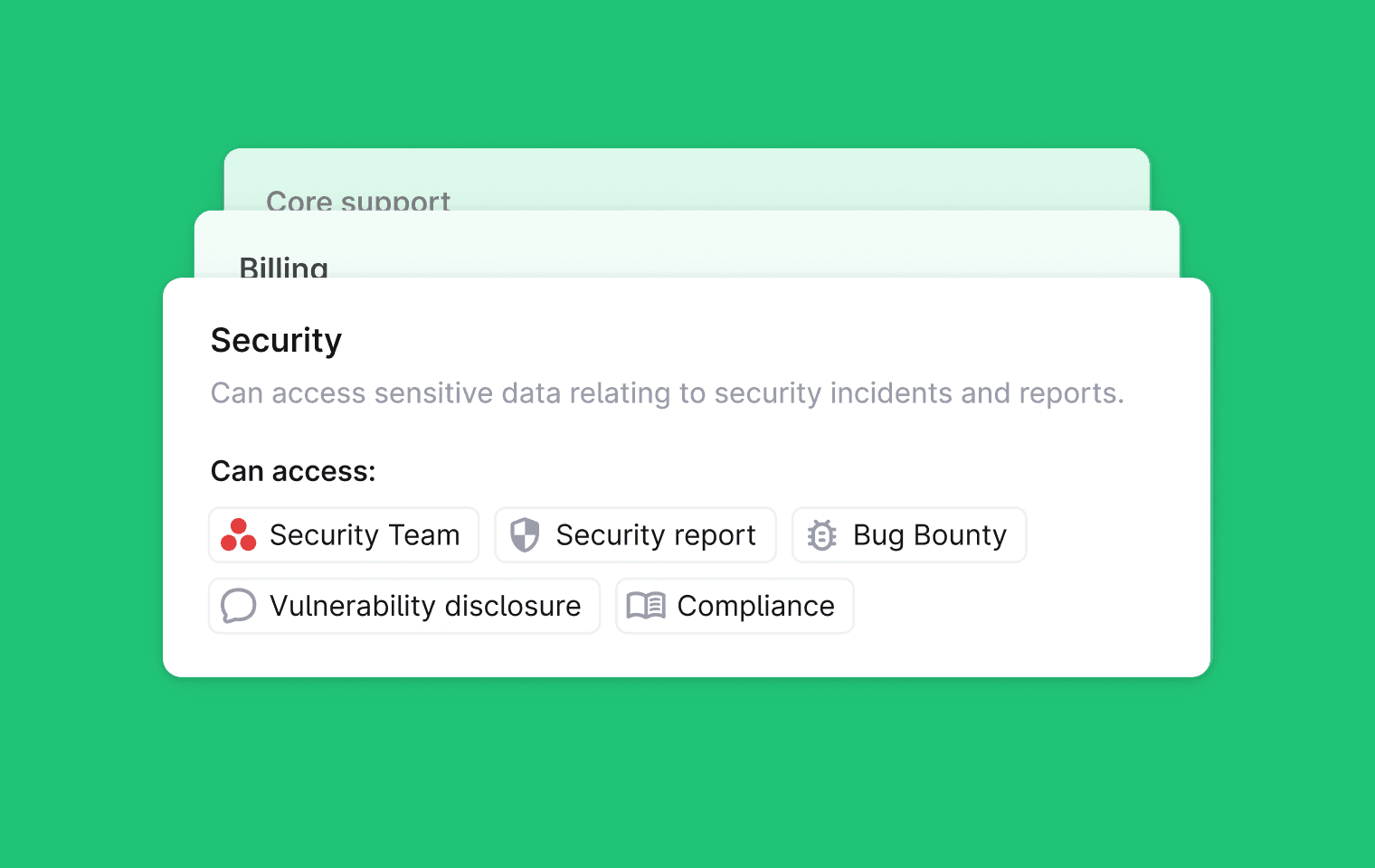
You can now create Custom Roles to control which users can view different types of threads in Plain. This lets you decide who can see sensitive conversations and who cannot.
For when different teams need different levels of access. You can limit visibility for some roles while keeping full context for others.
To set up custom roles, go to Settings → Roles. Here you can create and configure the role and it's permissions.
To assign a role go to Settings → Members → Team member and set this role.
Custom Roles are available on the Frontier plan.
You can learn more in the docs here: https://plain.support.site/article/roles-and-permissions#custom-roles
Improvements
Bug Fixes
Fixed parsing of thumbs up emoji from Slack
Fixed loading bug on insights pages
Fixed email CC list not updating in the composer
Fixed loading of agent knowledge sources in the Plain UI
Fixed First response time SLAs being cancelled when customers reply to autoresponders
Fixed auto mark as done triggering too soon
Fixed Linear child labels being capped at 50 items in the support app
Included inactive assignees in the assignee filter list
Fixed top issues layout and side navigation highlight bug
Designed, built and written by

Nico Domino
Engineering